
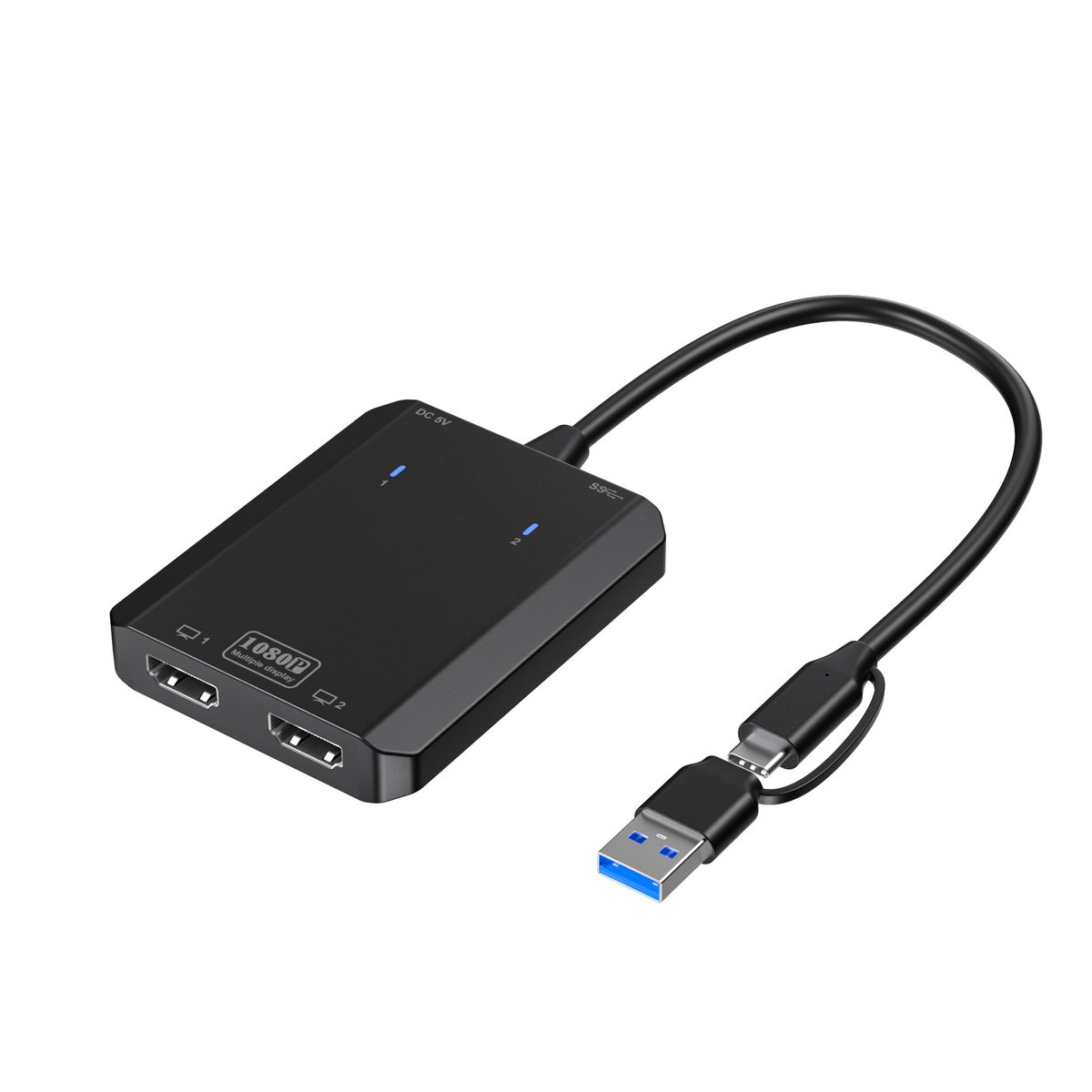
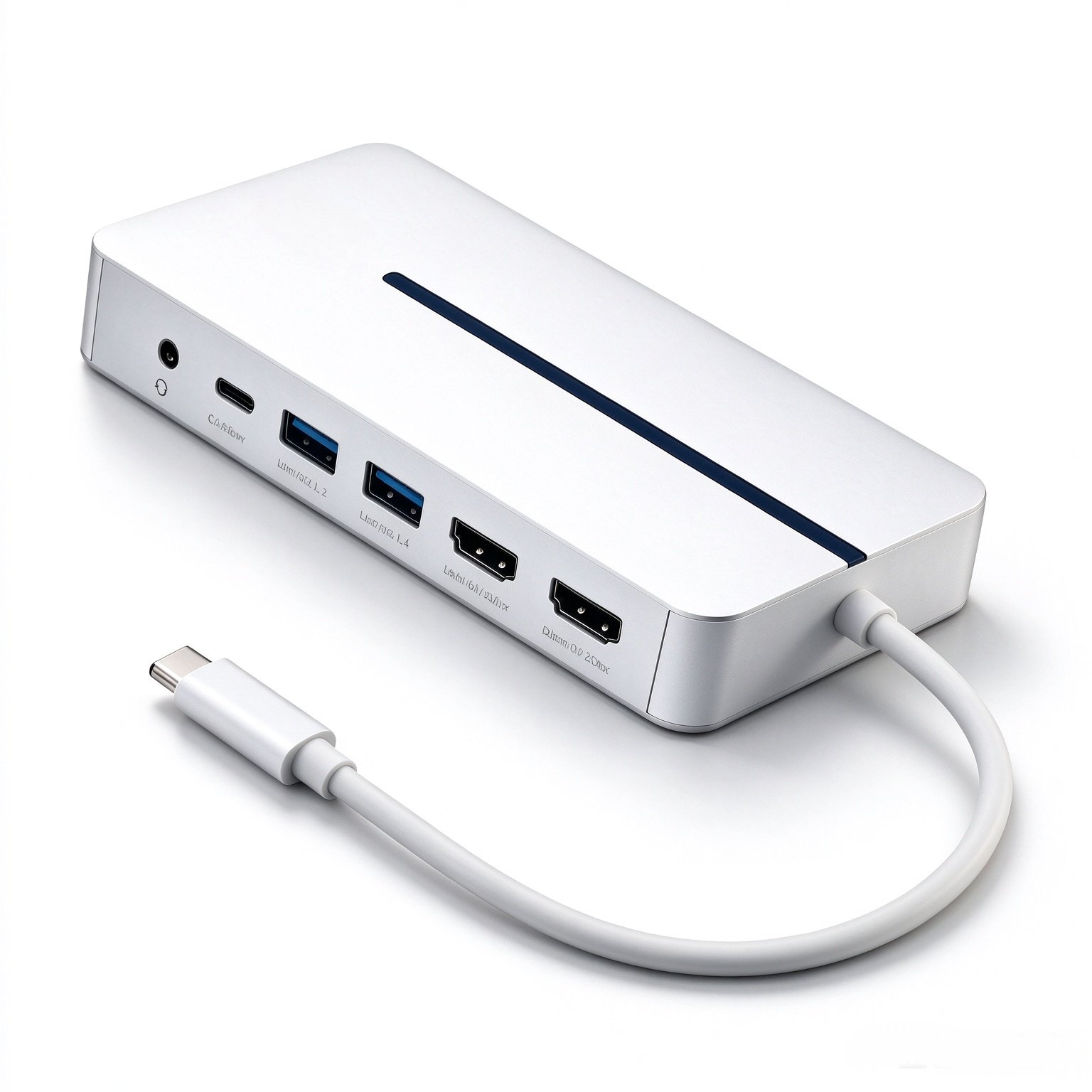
WG422 | USB-C MST Dual 4K HDMI Graphics Dock, 100W PD Pass-Through, Gigabit Ethernet
Product No.: WG422
Tittron WG422 USB graphics docking station enables dual extended displays (4K60Hz + 4K30Hz) on Apple M-series MacBooks via MST technology. It features 100W PD pass-through charging, Gigabit LAN, 5Gbps USB-A ports and 3.5mm combo audio. Aluminum compact design for travel. Driver installation required for Mac MST dual display.
Buyer login — pricing, stock and order history
Overview — WG422 | USB-C MST Dual 4K HDMI Graphics Dock, 100W PD Pass-Through, Gigabit Ethernet
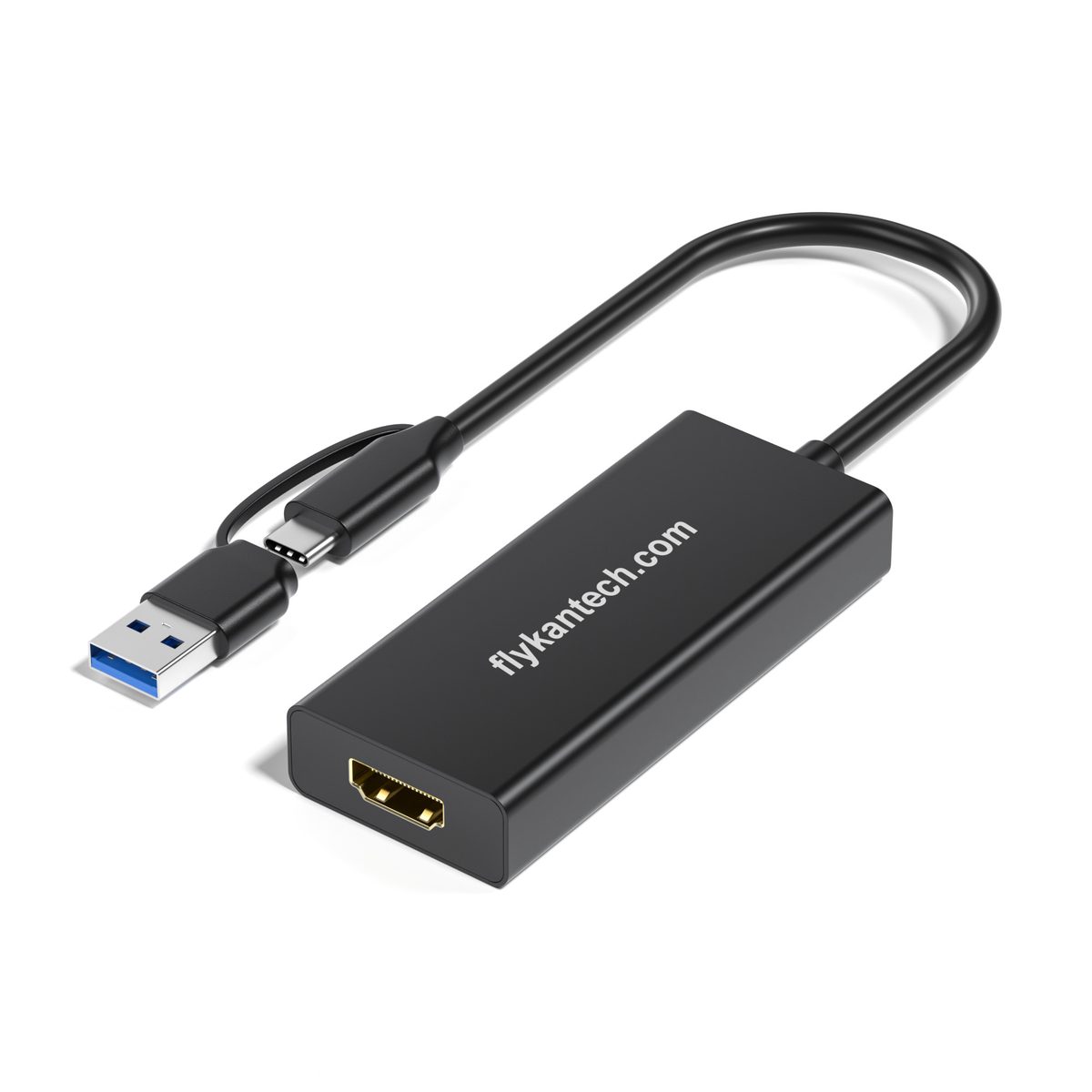
The Tittron WG422 is a premium USB graphics docking station within our USB graphics card lineup, purpose-built to enable MST dual extended displays on Apple M-series MacBooks. It breaks the native display limitation of M-chip Macs and delivers two independent Ultra HD displays through a single USB-C connection. This dock packs rich connectivity beyond dual HDMI video output, featuring 100W PD 3.0 pass-through charging, Gigabit Ethernet, two 5Gbps BC1.2 USB-A ports, one multi-function USB-C port and a 3.5mm combo audio jack to support your creative and multitasking workflow.
Constructed with a sturdy aluminum body and an ABS cover for the RJ45 port, the WG422 adopts a compact portable design with a fixed 0.25m host cable. It keeps your desktop neat and is easy to carry for studio work, office use or business trips. It works with Windows, Linux, Android and ChromeOS devices equipped with USB-C or Thunderbolt and DisplayPort Alternate Mode, bringing flexible multi-screen expansion for different devices.
This is a software-driven Silicon MST graphics solution. Driver installation is required to activate dual extended display on macOS. You may download the driver package directly on this product page; simply install the driver and connect the dock to start your dual-screen setup. Single display reaches up to 4K@60Hz, while dual display runs at 4K@60Hz + 4K@30Hz, with HDCP 2.2 supported for protected media playback.
Notes: Driver download is available on this product page. The WG422 is a software-based MST solution and the driver is required for macOS dual extended display. The USB-C host port must support DisplayPort Alternate Mode. Actual PD charging power depends on your USB-C charger.
What stands out — WG422 | USB-C MST Dual 4K HDMI Graphics Dock, 100W PD Pass-Through, Gigabit Ethernet
- ■ MST dual 4K HDMI output for Apple M-series MacBook: Single display up to 4K@60Hz; Dual display mode: 4K@60Hz + 4K@30Hz
- ■ 100W PD3.0 pass-through charging (20V 5A), power your laptop while using the dock
- ■ Integrated Gigabit Ethernet (10/100/1000Mbps) for reliable wired network
- ■ Two USB 3.2 Gen1 (5Gbps) Type-A ports with BC1.2 charging function
- ■ USB-C female port supports both data transfer and power input
- ■ 3.5mm combo audio port, supports 44.1kHz / 48kHz audio sampling rate
- ■ HDCP 2.2 supported for protected media playback
- ■ Robust aluminum housing, compact portable form factor with fixed 0.25m cable
- ■ Broad OS compatibility: Windows, macOS, Linux, Android, ChromeOS
- ■ Driver mandatory for Mac MST dual extended display
Technical specifications — WG422 | USB-C MST Dual 4K HDMI Graphics Dock, 100W PD Pass-Through, Gigabit Ethernet
- Model
- WG422
- Interface
- USB Type C Input ×1; 2× HDMI®, 2× USB Type A, 1× USB Type C, 1× RJ45, 1× 3.5mm combo audio
- Bandwidth
- HDMI®1.4 up to 10.8Gbps, HDMI®2.0 up to 18Gbps; USB3.2 Gen1 5Gbps; Gigabit LAN 10/100/1000Mbps
- Max Resolution
- Single: 4K@60Hz | Dual: 1×4K@60Hz + 1×4K@30Hz
- Chipset
- SM768, ANX7518, 2×VL817, AX88179A, HS-100B, IM2600
- Compatibility
- USB-C / Thunderbolt devices with DP Alt Mode, including Apple M-series MacBooks
- Power Delivery
- PD 3.0 up to 100W (20V 5A); Dock power consumption: 15W
- HDCP
- HDCP 2.2
- Audio Sampling Rate
- 44.1kHz / 48kHz
- Cable
- Fixed USB-C cable, length 0.25m
- Housing
- Aluminum + ABS (RJ45 port cover)
- Physical Properties
- Dimensions (W×D×H)
- 140 × 65 × 20 mm
- Net Weight
- 0.2kg
- Operating Temperature
- -20°C ~ 40°C
- Storage Temperature
- -40°C ~ 80°C
- Humidity
- 5 ~ 90% RH, non-condensing
DOWNLOAD — WG422 | USB-C MST Dual 4K HDMI Graphics Dock, 100W PD Pass-Through, Gigabit Ethernet
Datasheet, drivers and firmware for this model are available on request. Request datasheet via quote form and our team will send the files for your evaluation.
GET A QUOTE
Frequently asked questions
Does the WG422 work with Apple M-series MacBooks?
Yes. The WG422 is specially designed for Apple M-series MacBooks. It adopts software-based MST technology to realize dual extended displays. Driver installation is required for macOS to enable the dual extended screen function.
What resolution can I get with dual monitors?
Single display supports up to 4K@60Hz. Under dual-display mode, one screen runs at 4K@60Hz and the other runs at 4K@30Hz.
Does this docking station support PD pass-through charging? What is the max wattage?
Yes. It supports PD 3.0 pass-through charging up to 100W (20V 5A). The actual charging power depends on your USB-C power adapter. The dock itself consumes 15W.
Which operating systems are compatible?
Compatible with Windows, macOS, Linux, Android and ChromeOS. The host USB-C or Thunderbolt port must support DisplayPort Alternate Mode.
Where can I download the driver?
The driver package is available for download on this product page. Install the driver first, then connect the dock to your computer.
Why does my MacBook only mirror the screen instead of extended display?
This is usually caused by missing or incorrectly installed MST driver. Reinstall the driver from our product page and restart your Mac, then set up extended display in system display settings.
Are the USB-A ports charging ports only?
No. They are USB 3.2 Gen1 (5Gbps) data ports with BC1.2 battery charging function, supporting both data transfer and device charging.
Does it support HDCP?
Yes, HDCP 2.2 is supported for protected video content playback.
Can I use this dock with Thunderbolt 3 / 4 ports?
Yes. Thunderbolt ports that support DisplayPort Alternate Mode work normally with WG422.
Can I use the dock without PD charger connected?
Yes, it can work for video output and data transmission without PD power input, but you will not get pass-through charging for your laptop.
Need a quotation or a private-label programme?
Send us the models, quantities and target market. We reply with pricing, lead time and certification details.